Loading …
Preparing your tool
Loading …
Preparing your tool
Cookies & privacy
We only use three technically necessary cookies (login, language, your cookie decision). Google AdSense advertising is loaded exclusively with your consent. It helps cover the server costs. You can change your choice at any time under “Cookie settings” in the footer. Privacy policy
Paste a SpawnObject snippet, pick the buildings it should land in (on the real map of Chernarus, Livonia, Sakhal, Nasdara or Namalsk) and get the finished file. Positions and rotations are recalculated, not guessed.
289 downloads
init.c lines with SpawnObject, ObjectSpawner JSON, an Expansion .map or mapgrouppos entries. The format is detected automatically.
The anchor is the reference point everything else is measured from: usually the building your build sits in, which is the first line in most exports.
Loading buildings…
Click a building to add it as a target. Every target gets its own copy, rotated to that building's own yaw.
Paste a template to see the arrangement.
Pick targets on the real map: every building from mapgrouppos.xml of Chernarus, Livonia, Sakhal, Nasdara and Namalsk, each with its true rotation.
One build, many buildings: select fifty sheds and get fifty correctly rotated copies in a single file.
Reads and writes four formats: ObjectSpawner JSON, init.c, Expansion .map and mapgrouppos.xml.
Build your thing once in the DayZ Editor or in Community Offline Mode and export it. The first line is usually the building itself: that is your anchor.
Paste the export, choose the anchor, then pick the target buildings. The tool subtracts the anchor position, turns every offset by the difference in yaw and adds the target position. That is the same maths the engine uses, checked against the real world files.
Choose ObjectSpawner JSON for vanilla servers: drop the file into your mission and list it under WorldsData.objectSpawnersArr in cfggameplay.json. init.c works everywhere but needs the helper function.
Everything runs in your browser. Your template never leaves your computer.
init.c lines with SpawnObject, ObjectSpawner JSON (Objects with name, pos and ypr), Expansion .map lines and <group> entries from mapgrouppos.xml. Anything else is read as "class x y z [yaw pitch roll]".
Put the file into your mission folder, add its path to objectSpawnersArr under WorldsData in cfggameplay.json and make sure serverDZ.cfg has enableCfgGameplayFile = 1. The engine then spawns the objects at mission start.
It is the reference point. Every other object is stored relative to it and then turned by the difference between the anchor's yaw and the target's yaw. Pick the building itself and your interior lands in the target building exactly as you built it.
From mapgrouppos.xml of the vanilla missions: 11,679 buildings on Chernarus, 5,753 on Livonia, 8,332 on Sakhal, 13,719 on Nasdara and 1,445 on Namalsk, each with position and rotation. Buildings without a loot group are not in that file and therefore not on the map.
Two usual reasons: the anchor was not the building, or the target is a different building class. Model entries (.p3d) can also shift because DayZ stores them relative to their bounding centre, which a text file does not contain.
Yes. Class names are passed through unchanged, so modded objects move exactly like vanilla ones. Only the map picker is limited to vanilla buildings. For modded ones paste the mapgrouppos entry or the coordinates.
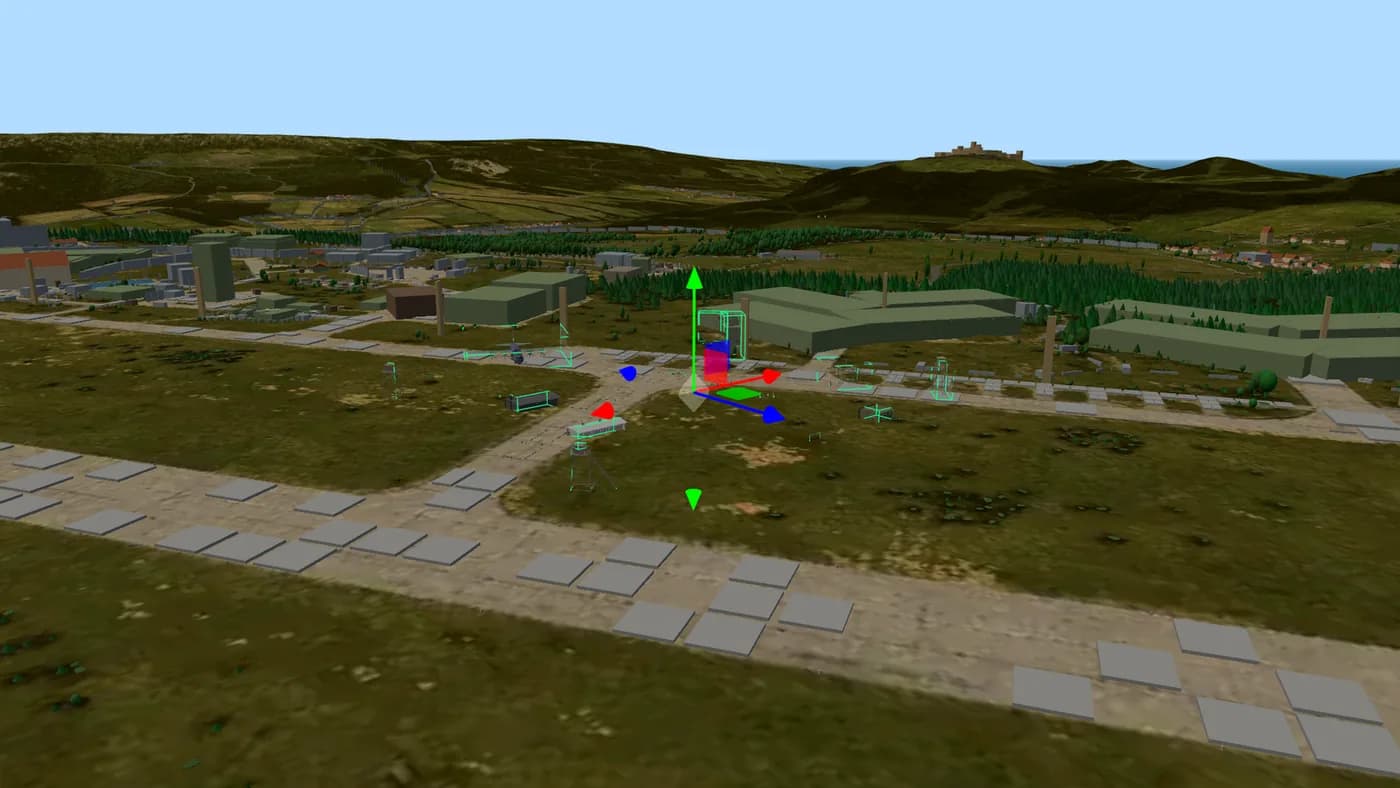
Place objects on the real 3D terrain of Chernarus, Livonia and Namalsk and export a file your server loads without any mod. The only map editor that works for Xbox and PlayStation servers.
Open the Map Editor Advertising partner
Your server. Your rules.
8 to 125 slots for PC, PlayStation and Xbox. Subscription or prepaid, daily backups, DDoS protection, and every config file open for the editors on this site.
Affiliate link: same price for you, we receive a commission and use it to fund DZPage.
List it on DZPage for free: PC, PlayStation and Xbox, with a live player count, votes, comments and your own server page. No premium slots, no payment, no waiting.
16,201 visitors in 30 days · free, no premium slots
Ask in the DZPage Discord: server owners and the developer answer there. New tools get announced first.
Use our partner link and get 10% off every order at GPORTAL: servers for PC, PlayStation and Xbox.
Get 10% offAdvertising partner · Partner link: you save 10%, we earn a commission.